VIDEOBOX 5.4 · by BOX CRM
Your complete video studio. On one computer.
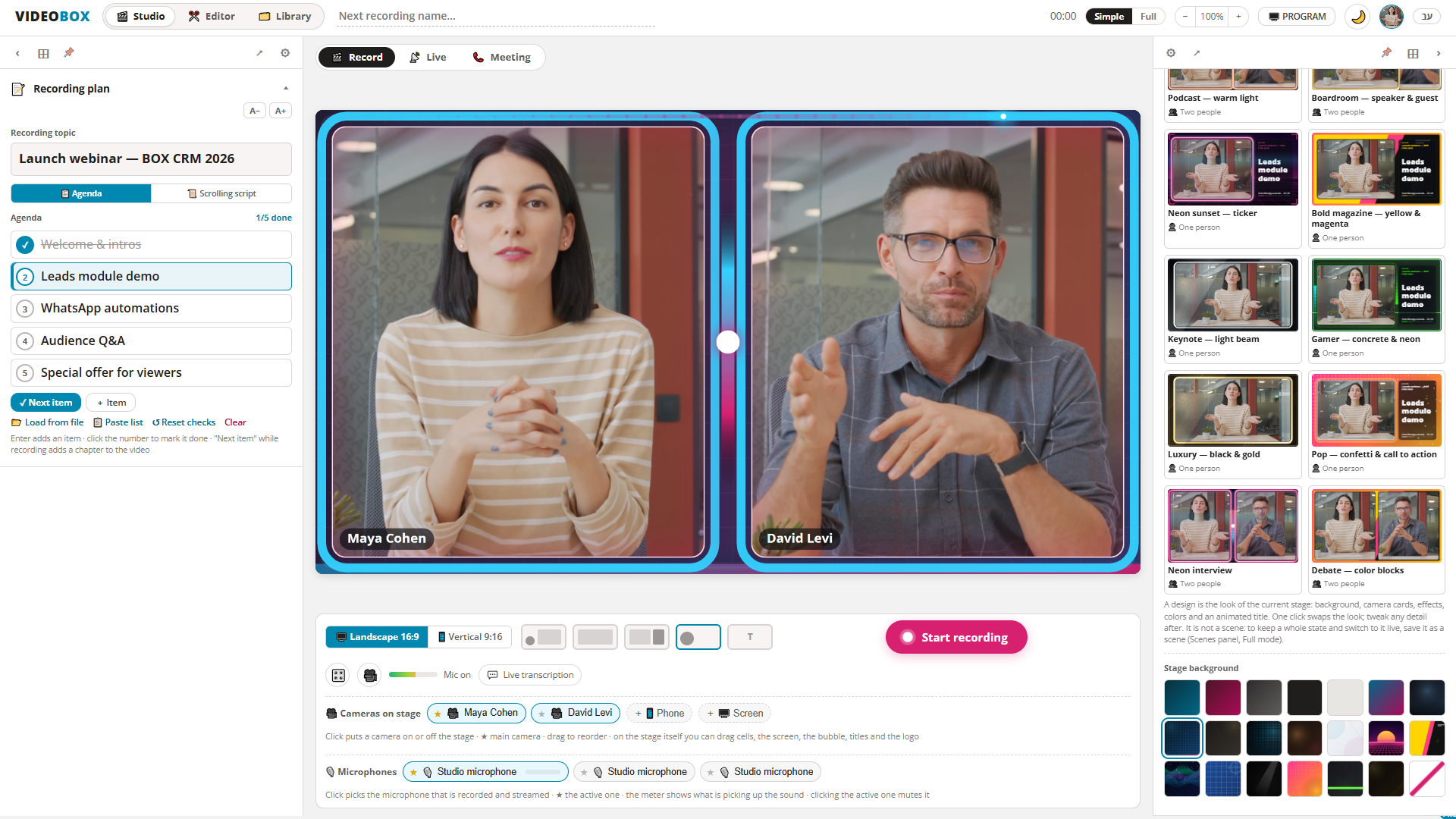
Record, host remote guests, direct scenes, stream to multiple platforms and edit — all in one desktop app. VIDEOBOX handles the production while you focus on the content.
Local processing keeps your recordings on your computer.
1080p · 30fps
High-quality video
12
Professionally designed stages
7
Simultaneous streaming destinations
25
Camera and guest sources
Built for your brand
A polished, branded production from the first frame
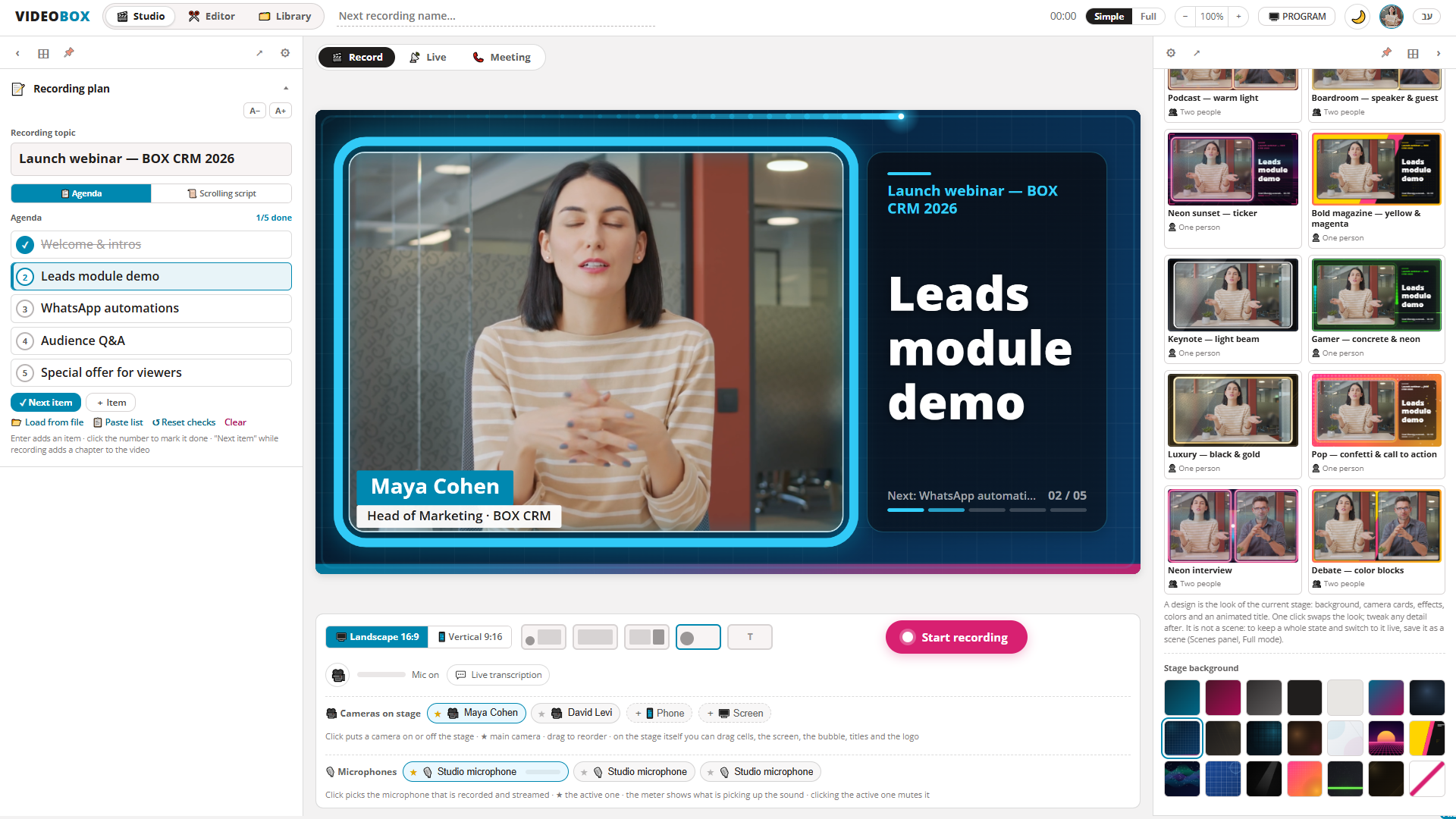
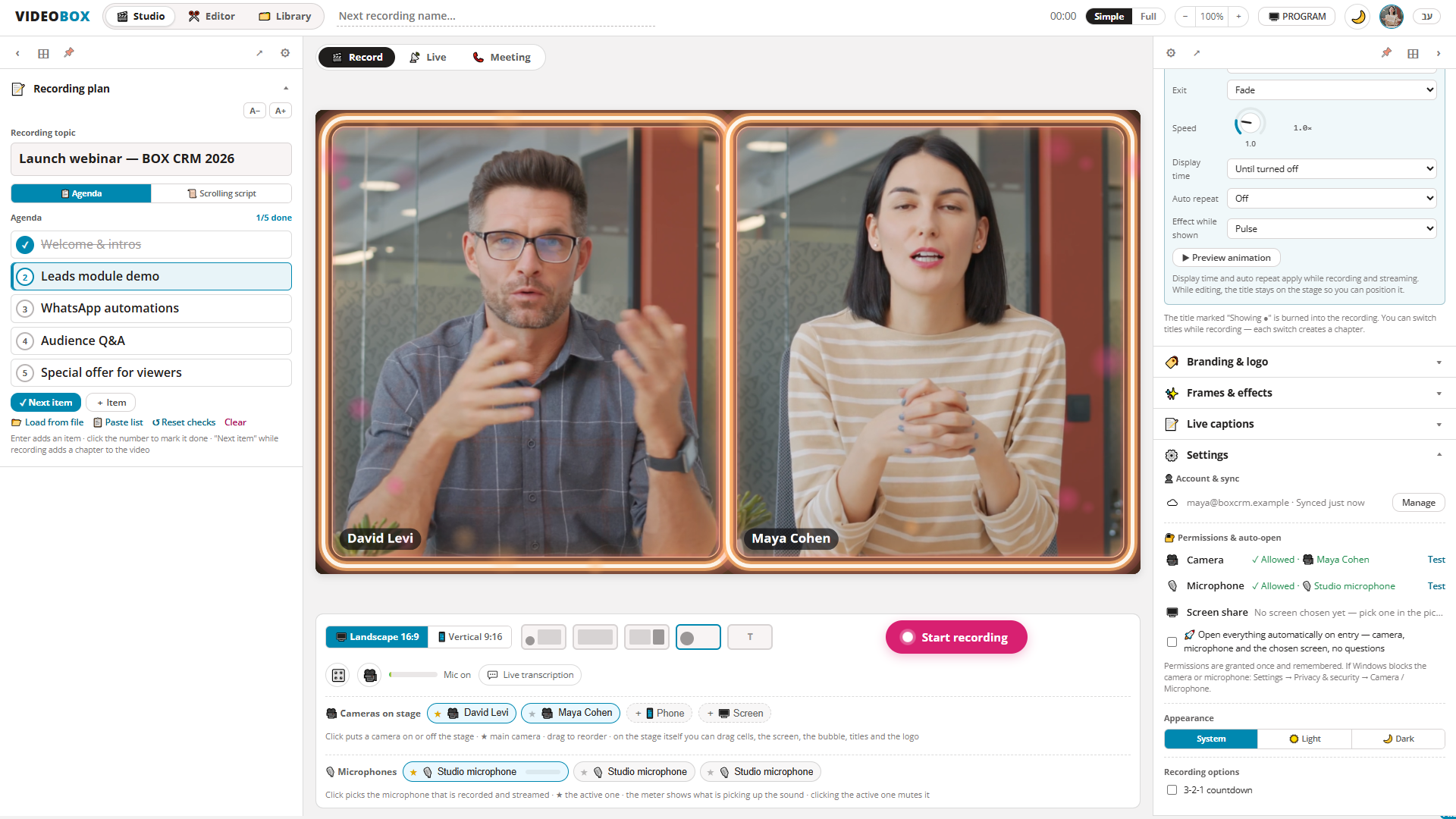
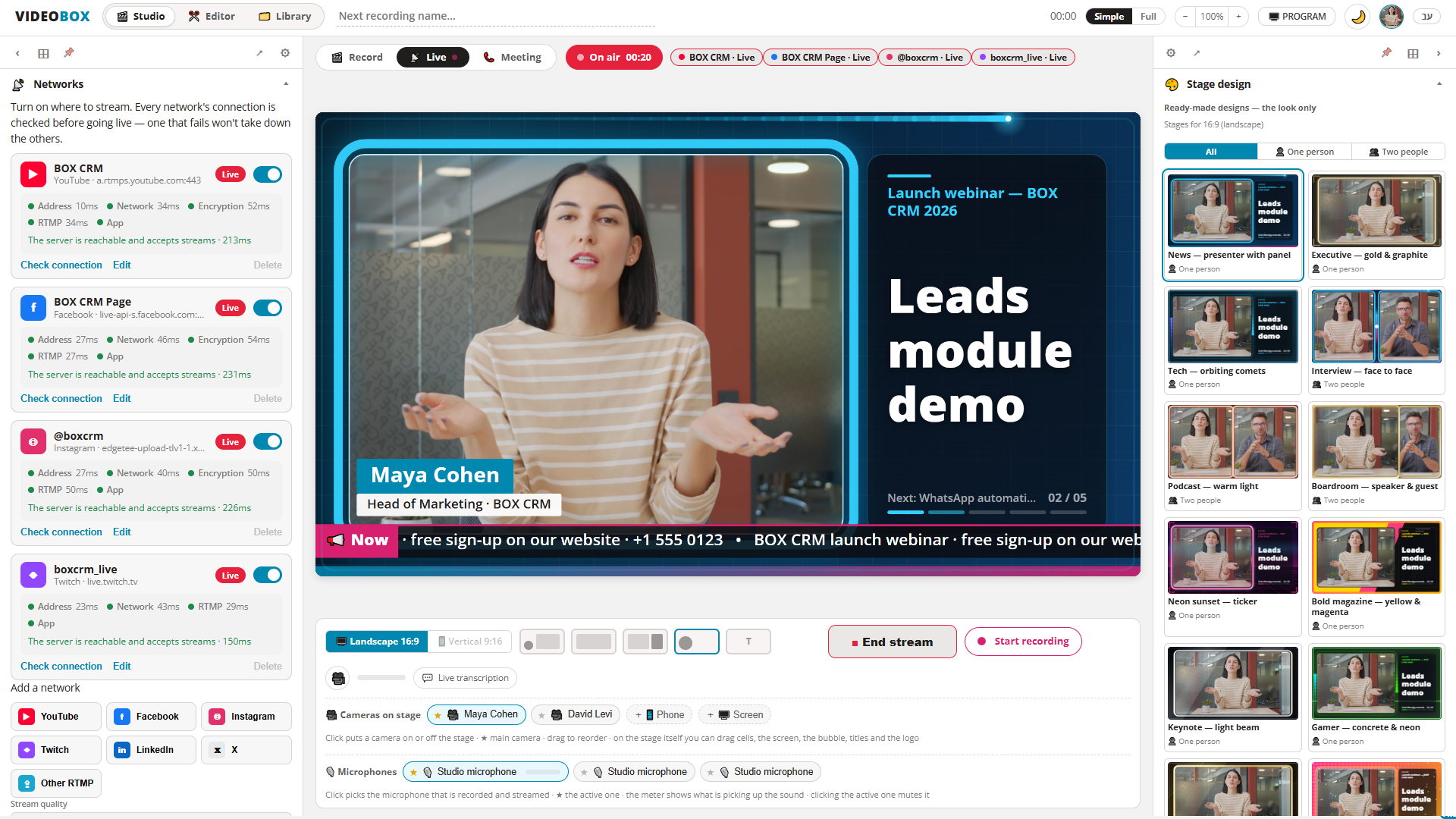
Choose a ready-made stage for interviews, podcasts, webinars, news or vertical video. Add your logo, colors and titles, and keep the same professional look across every production.
Two speakers
16:9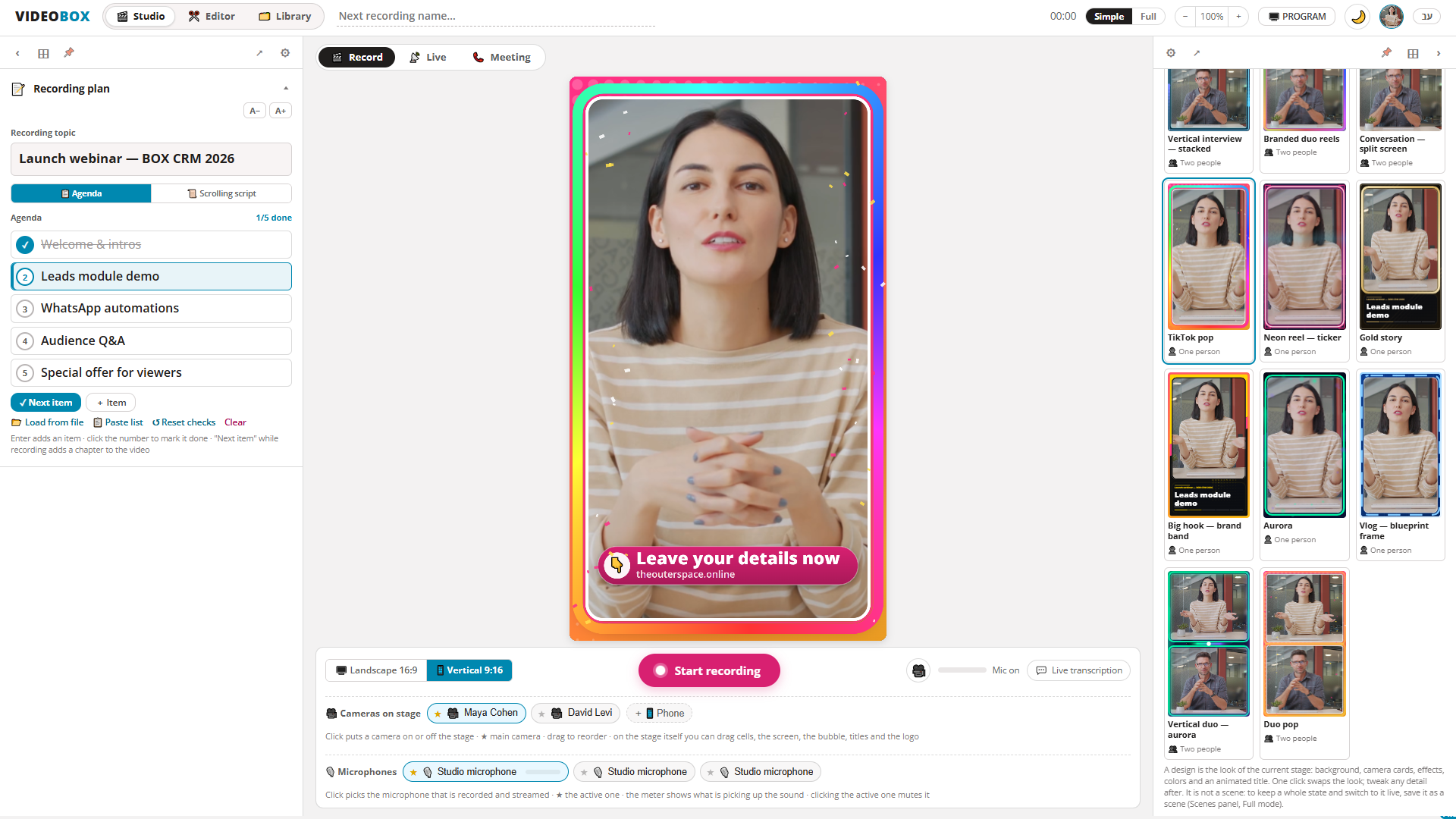
Vertical video
16:9Smart production
Produce the entire show from one screen
Manage speakers, scenes, graphics and sound without a production crew or a complicated broadcast console.
Automatic speaker direction
VIDEOBOX detects who is speaking and switches the main frame at the right moment — without distracting cuts.
Scenes, titles and media
Prepare scenes in advance and switch between cameras, screen sharing, titles, images, videos and QR codes.
Professional audio control
Mix every source separately, remove background noise locally and record independent tracks for editing.
Multi-platform streaming
Reach every audience with one broadcast
Check every connection, preview the final program privately, then stream it simultaneously to all your selected platforms.
YouTubeFacebookInstagramTwitchLinkedInXRTMP
Edit locally
Turn every recording into publish-ready content
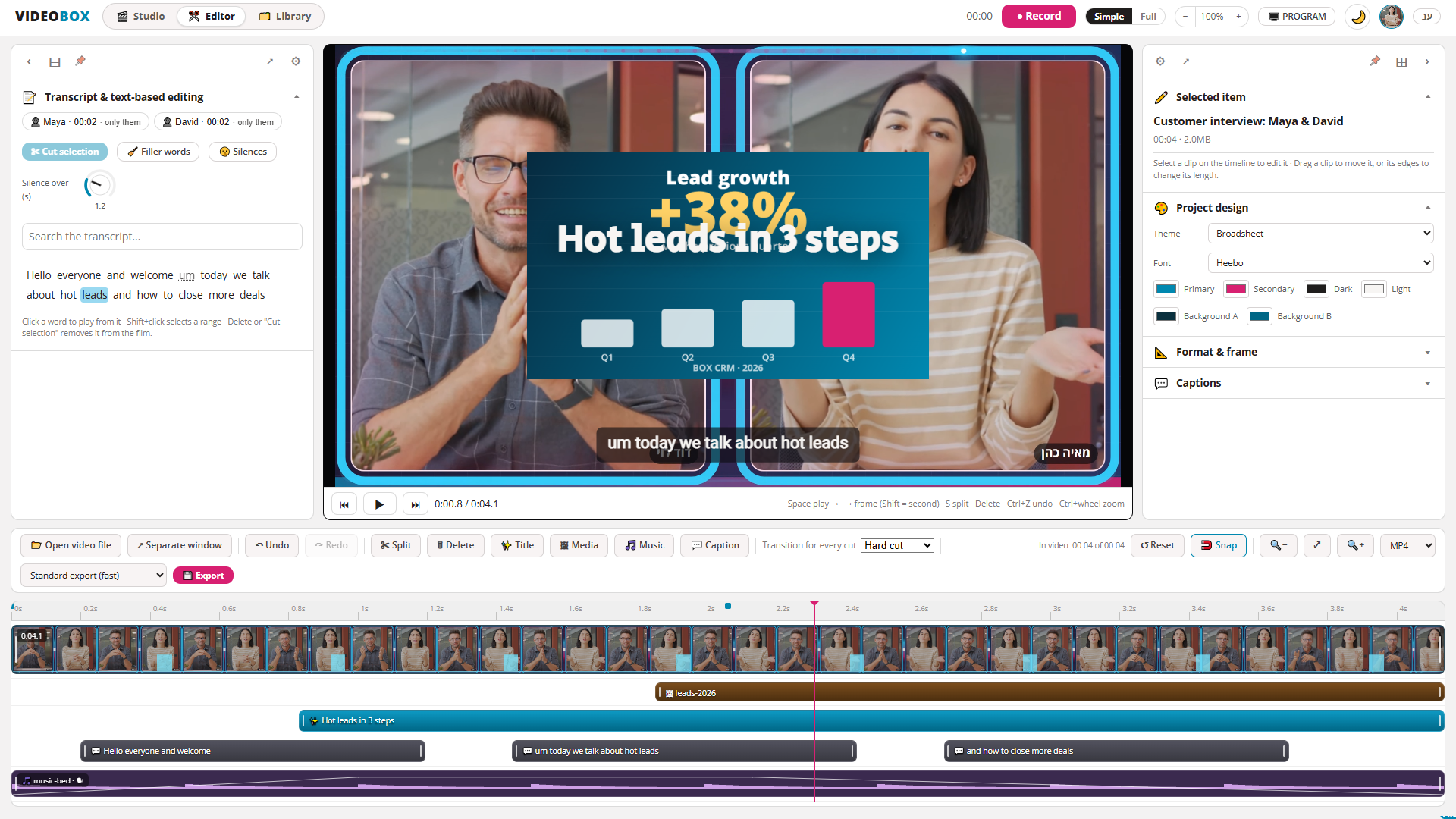
Open the recording directly in the built-in editor. Create speaker chapters and captions, remove silence, improve the sound and adapt the video for every platform.
- Automatic captions in English and Hebrew
- Landscape, vertical, square and portrait formats
- Trim, split and adjust playback speed
- Export video, audio and subtitle files
Your content stays under your control
Recordings, transcription and AI processing remain on your computer. Internet connections are used only when you invite remote guests or start a broadcast.
The complete workspace
Everything you need to produce video
Explore real VIDEOBOX screens for studio production, automatic direction, live streaming, editing, meetings and account management.
One app for your entire video workflow.
Download VIDEOBOX and start producing professional video from your computer.